
Design anything.
With AI built in.
8 AI tools. Unlimited fonts. A full layer-based editor. Canvas presets for every platform. All in one app — on iOS and Android.
Free to download · No account required · Pro from ₹49 / month
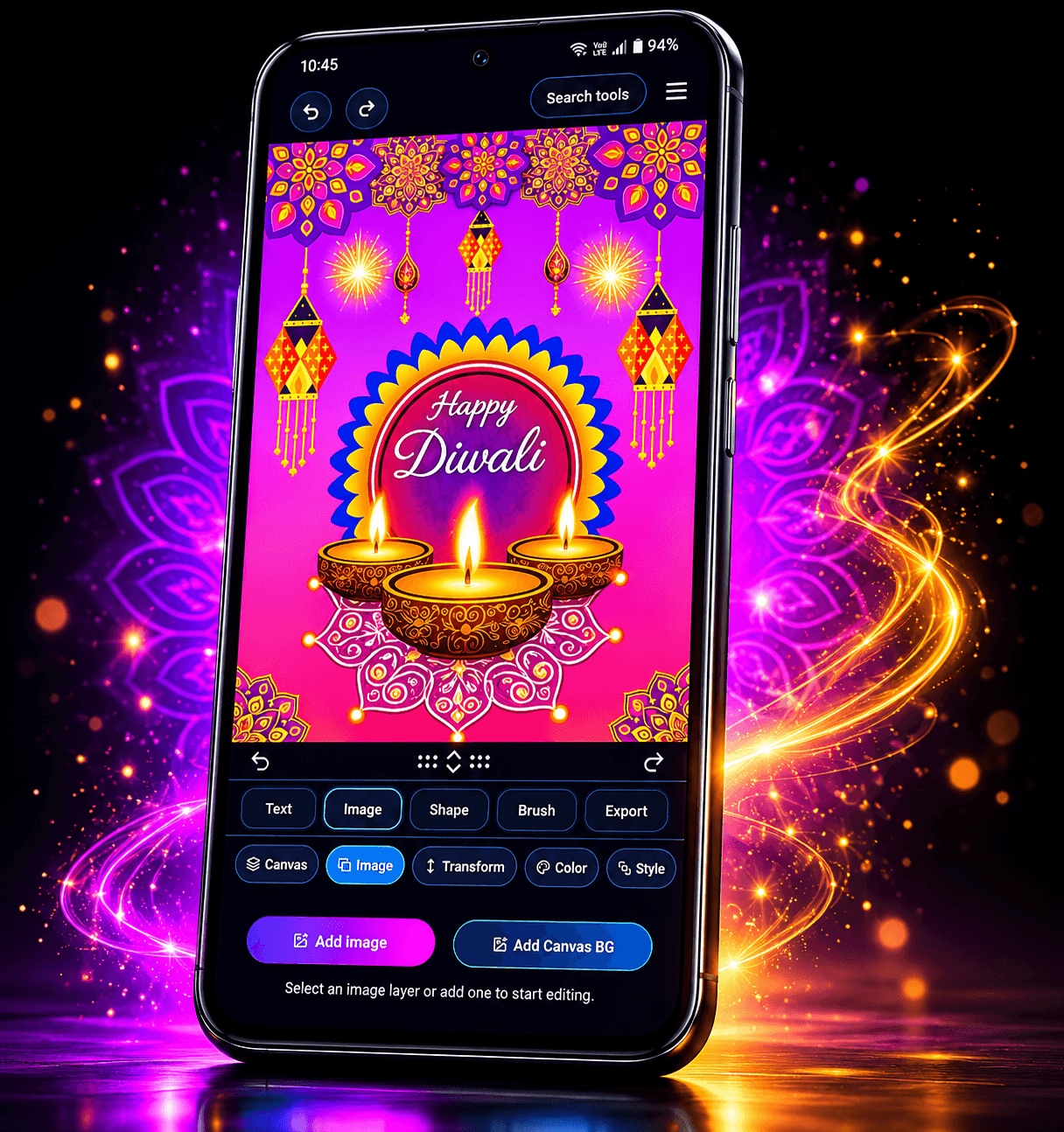
Canvas presets for every platform
8 AI tools. Zero extra apps.
Remove backgrounds, generate images from text, edit photos with a sentence, colorize, cartoonize, restore portraits — all built directly into the editor. No separate subscriptions. No switching apps.
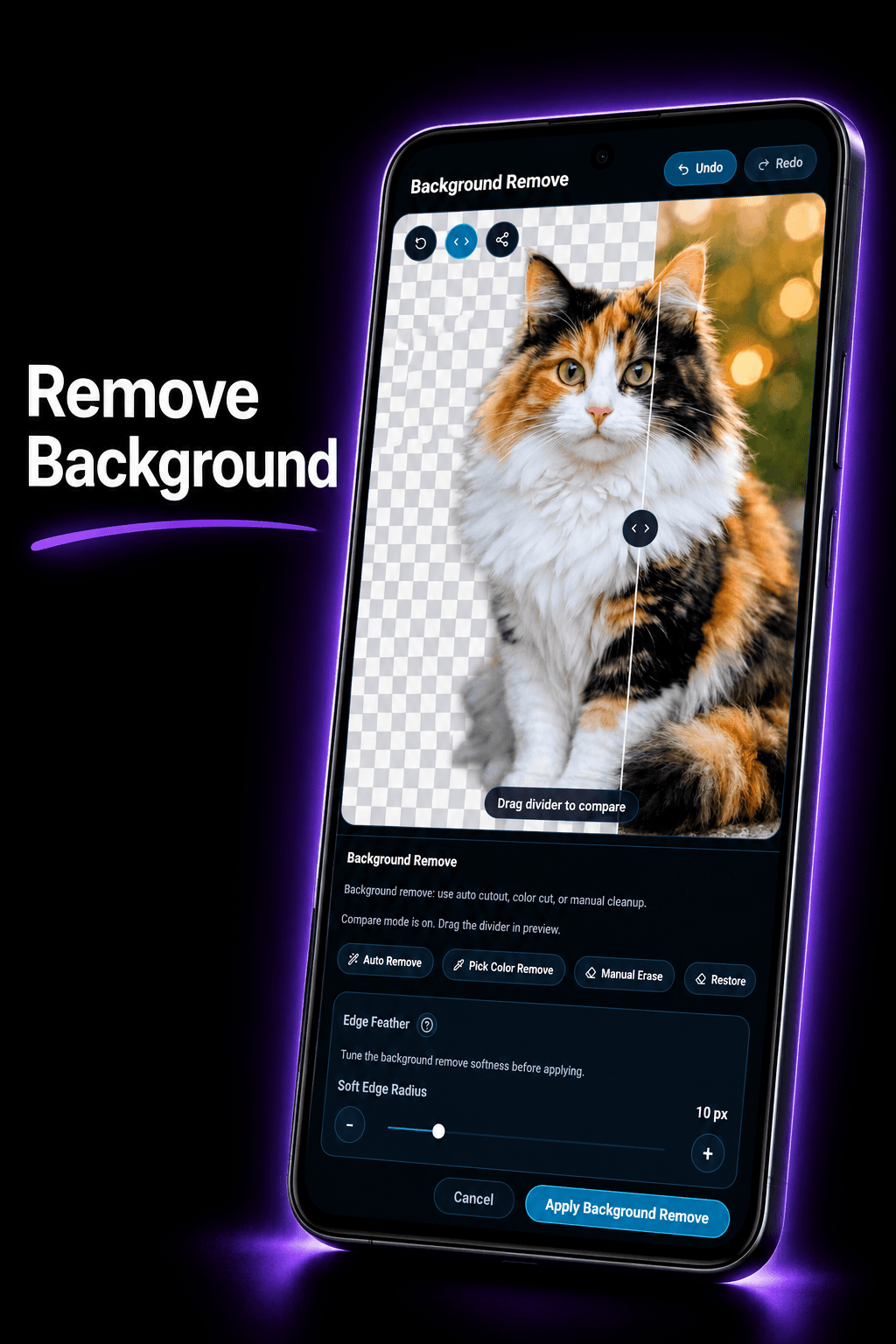
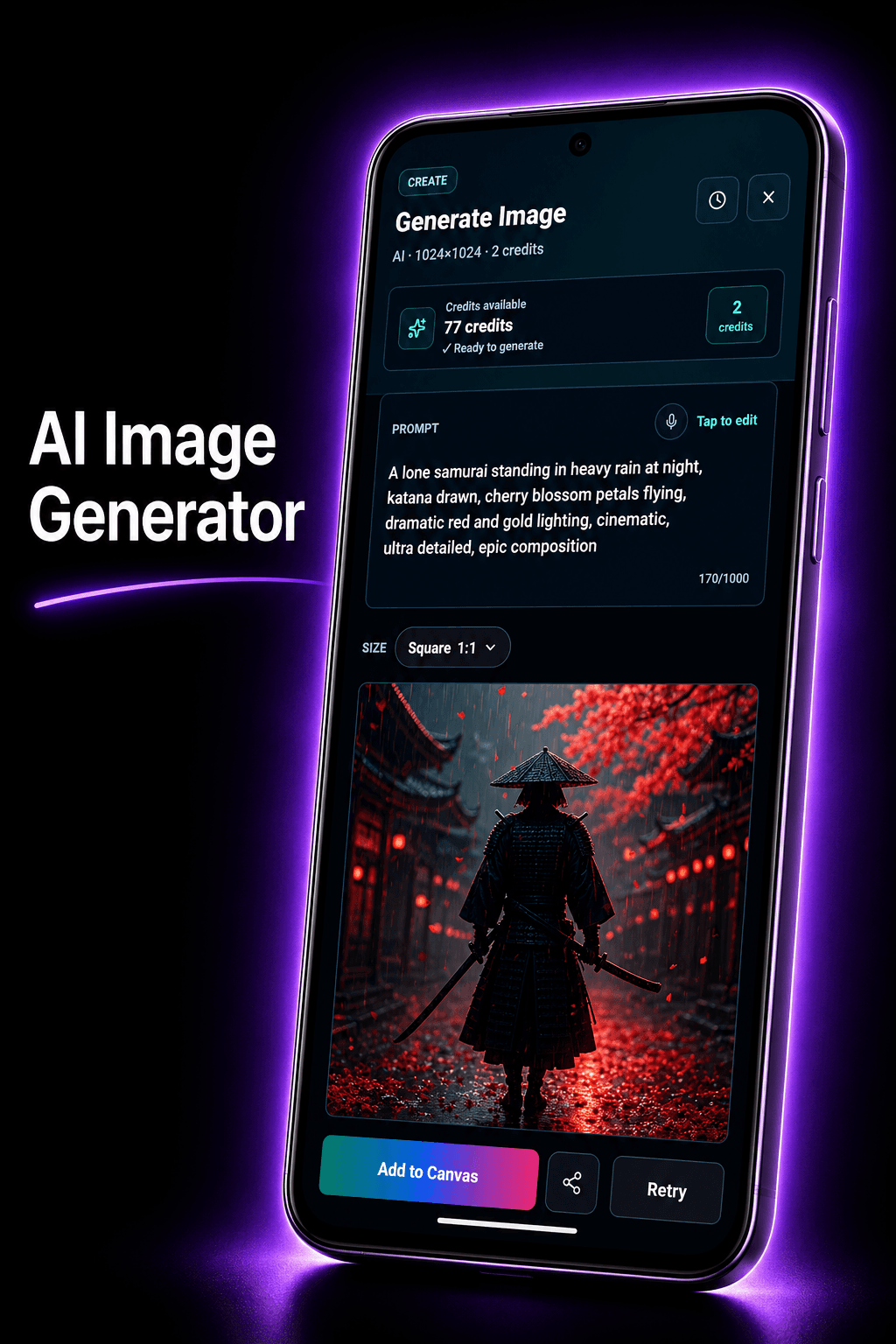
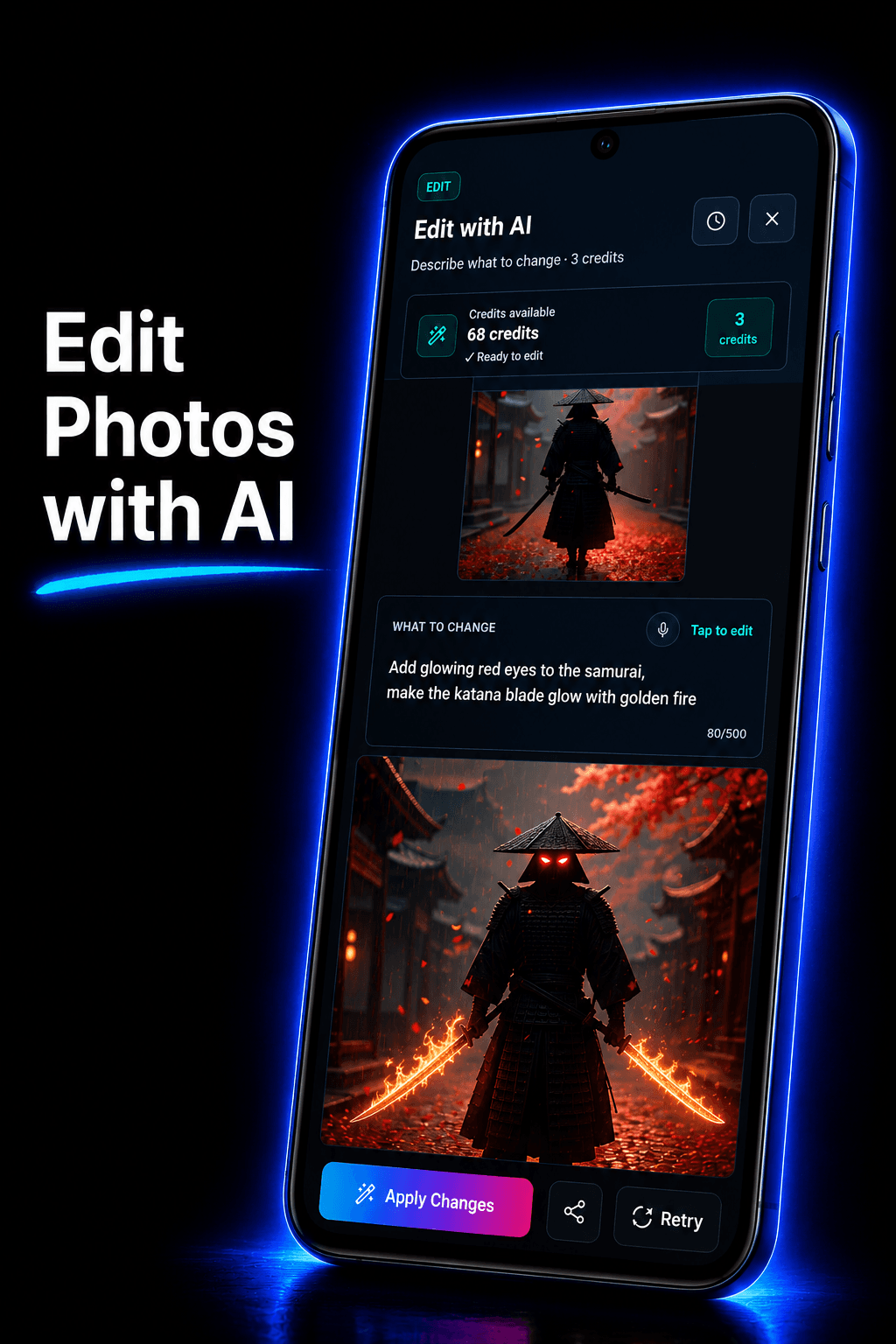
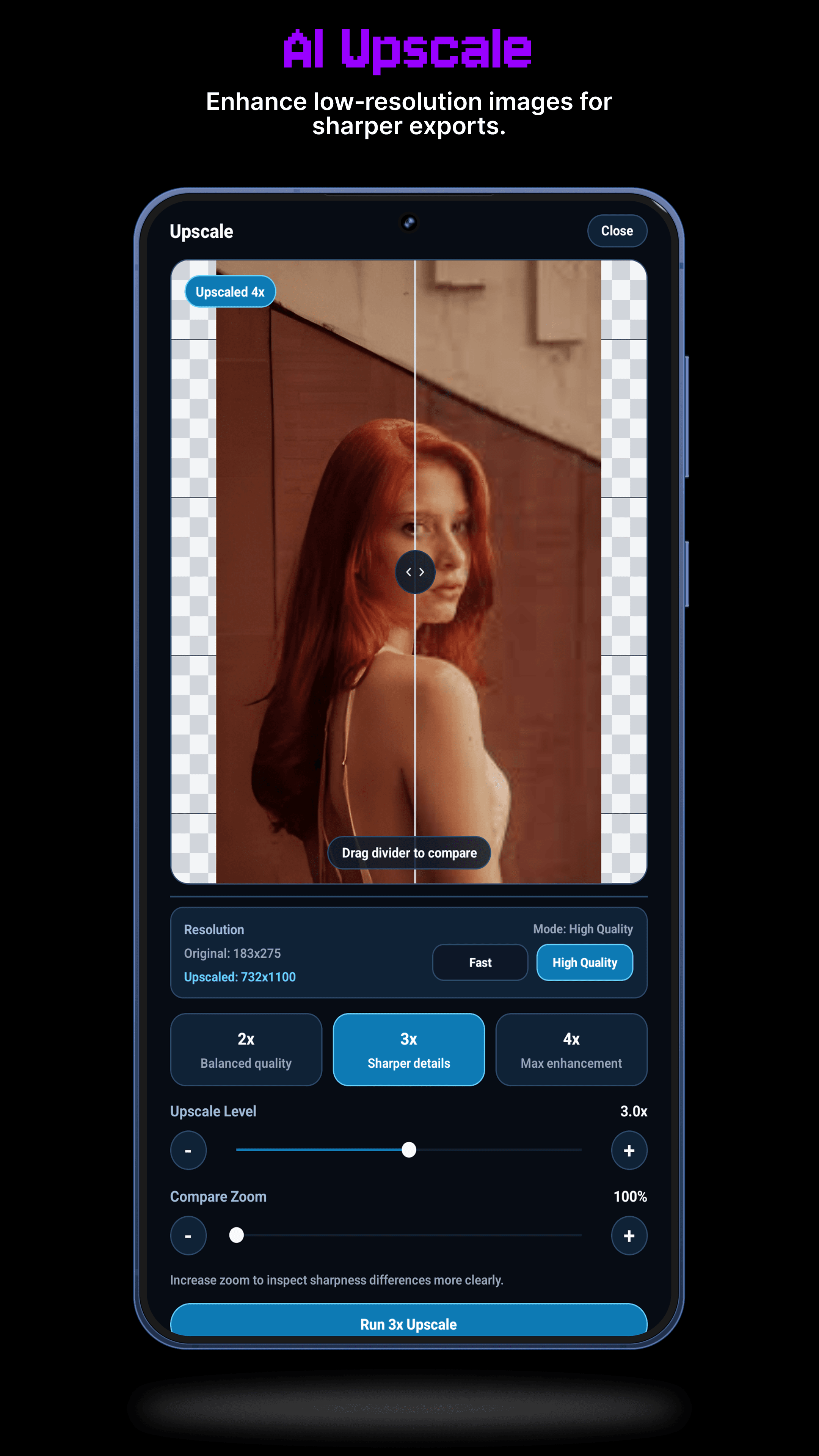
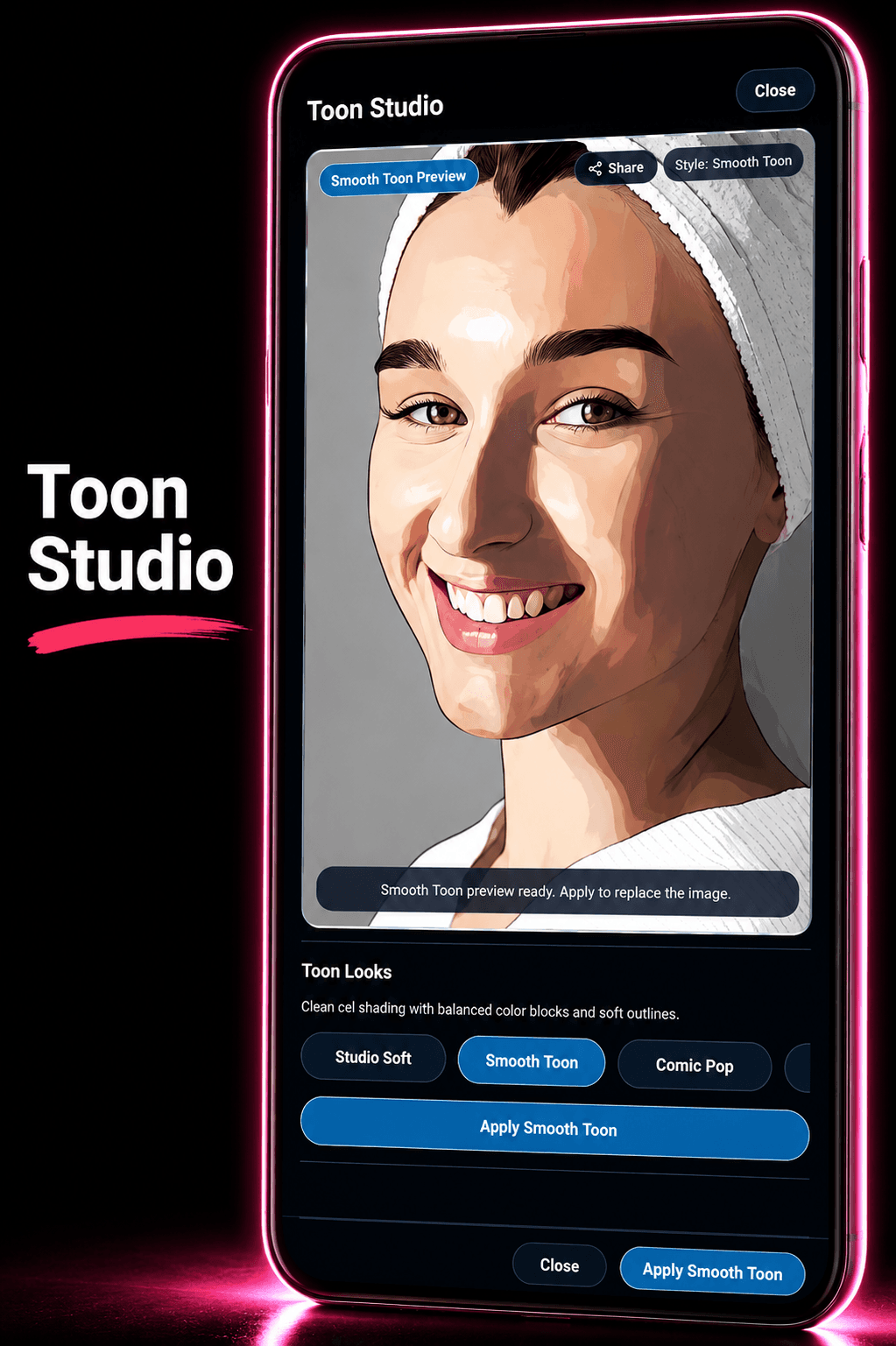
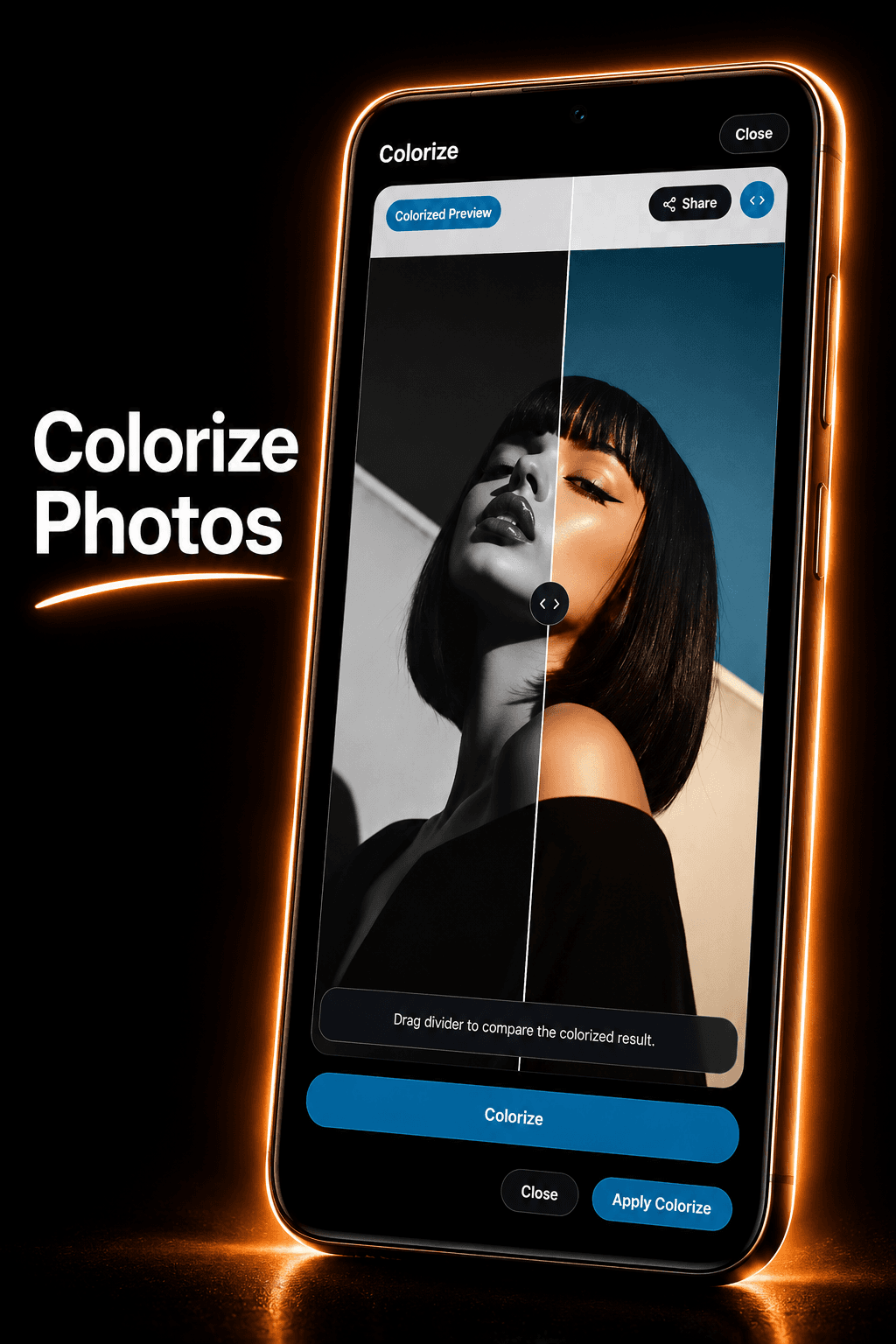
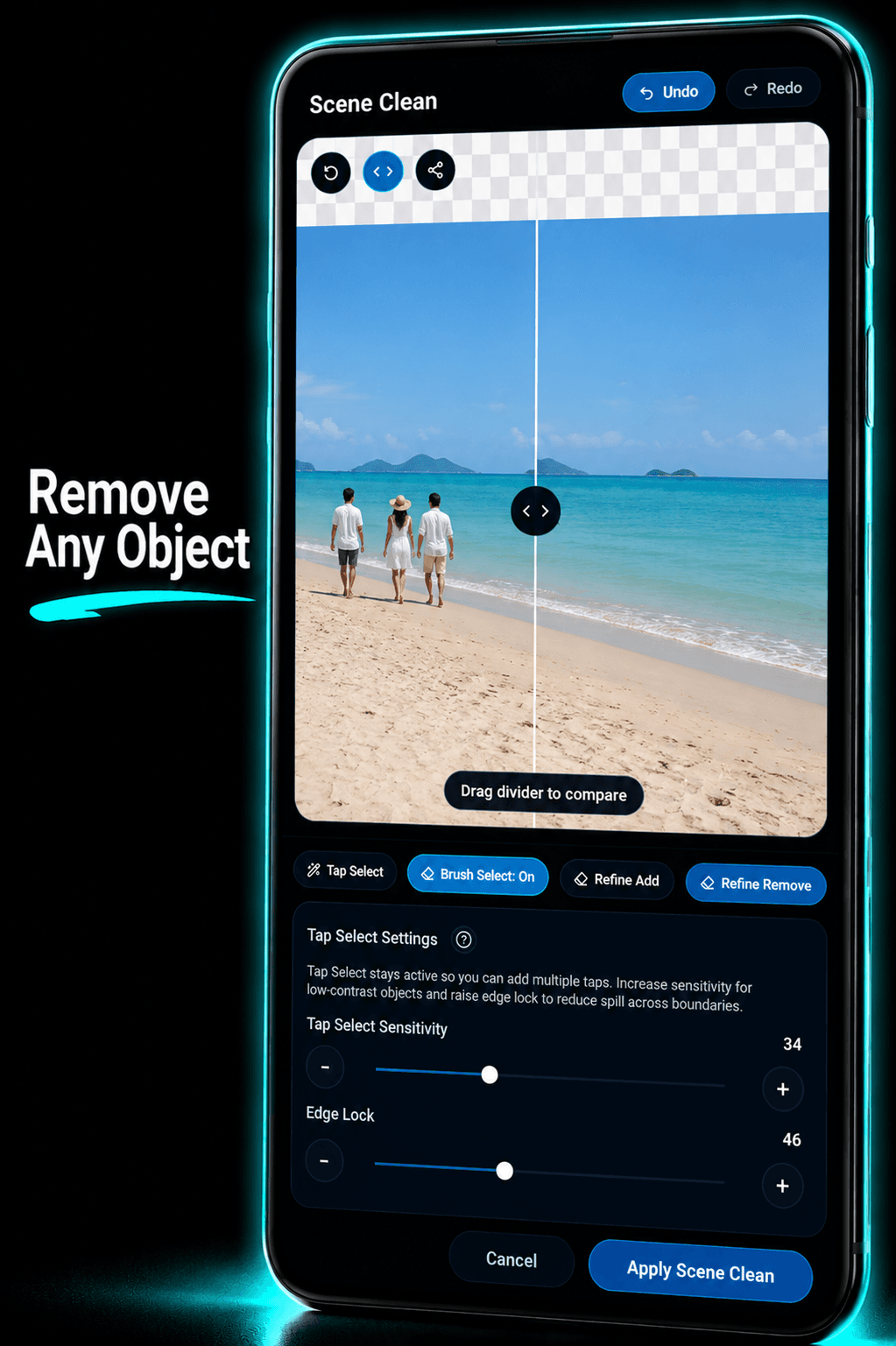
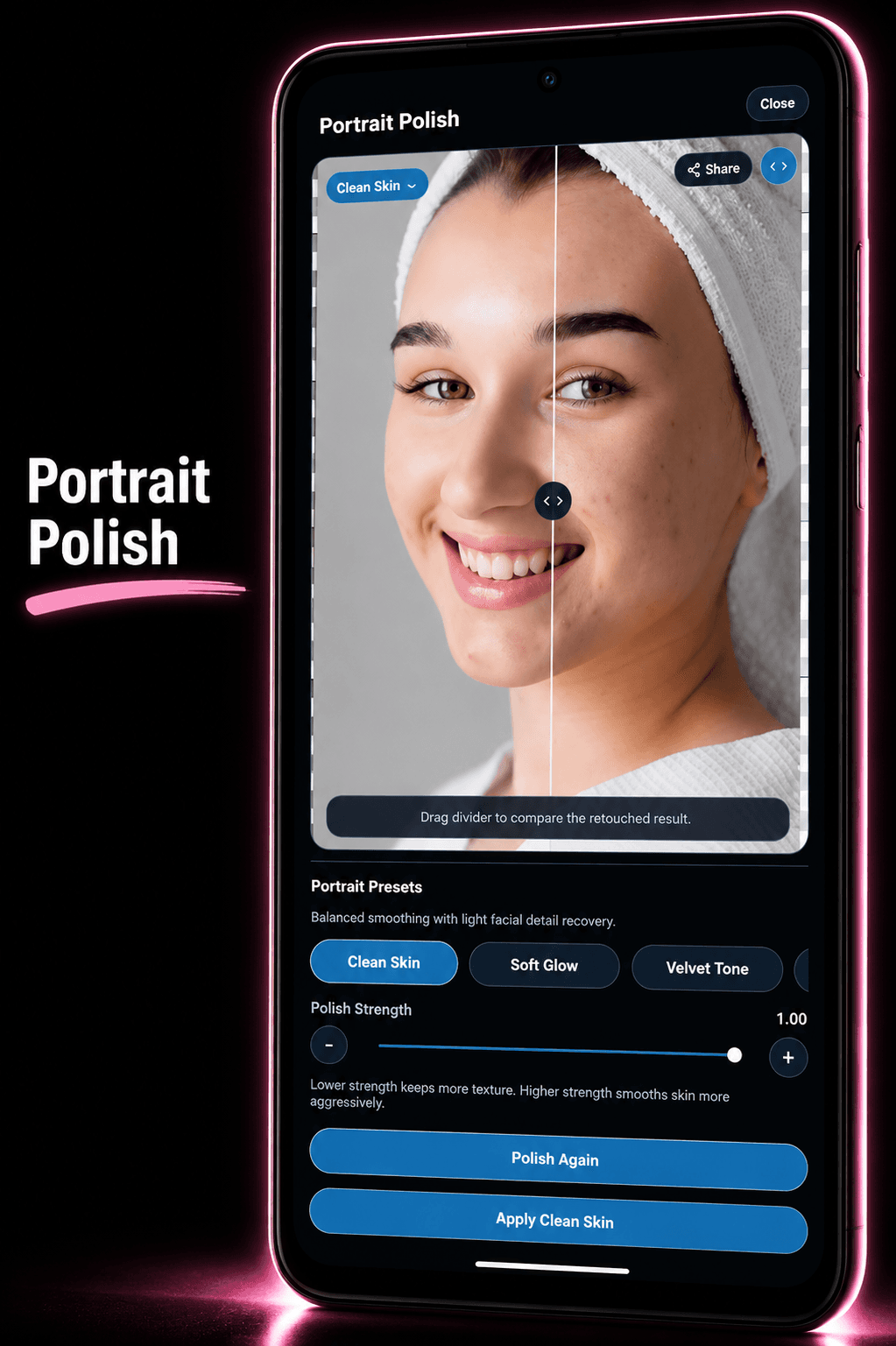
Remove Background
Lift any subject from its background in one tap. Works offline, no credits needed.
Every tool a creator needs.
A complete layer-based design studio built for mobile — not a lite version of something else.
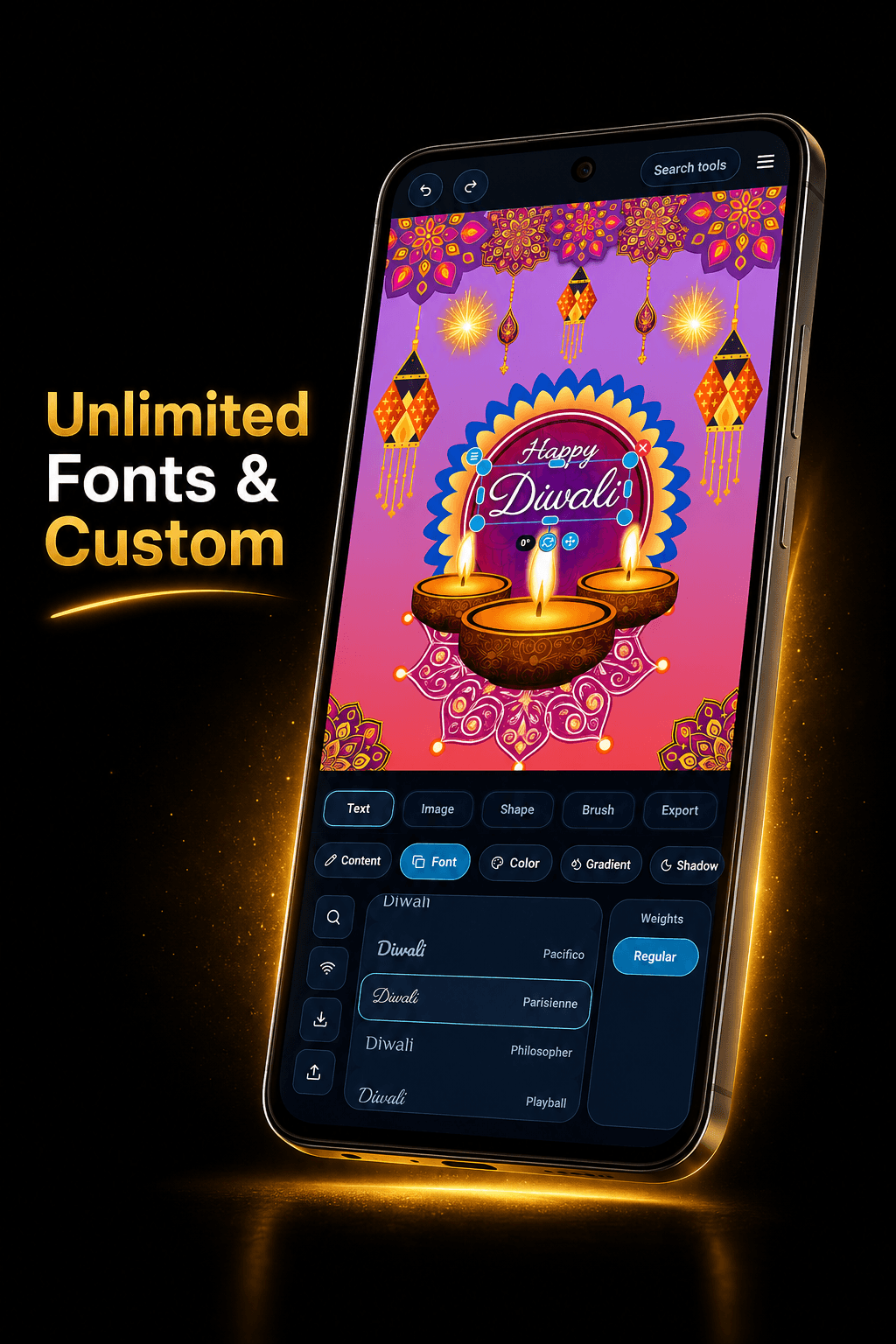
Unlimited fonts. Endless text effects.
Unlimited Google Fonts plus custom font support. Curved paths, gradient fills, glow, shadows, and per-character styling — your text can be as expressive as the rest of the design.
- Unlimited fonts + upload your own custom fonts
- Curved arc, wave, and zigzag text paths
- Gradient fills, glow, shadow, and emboss effects
- Per-character styling and bold/italic overrides
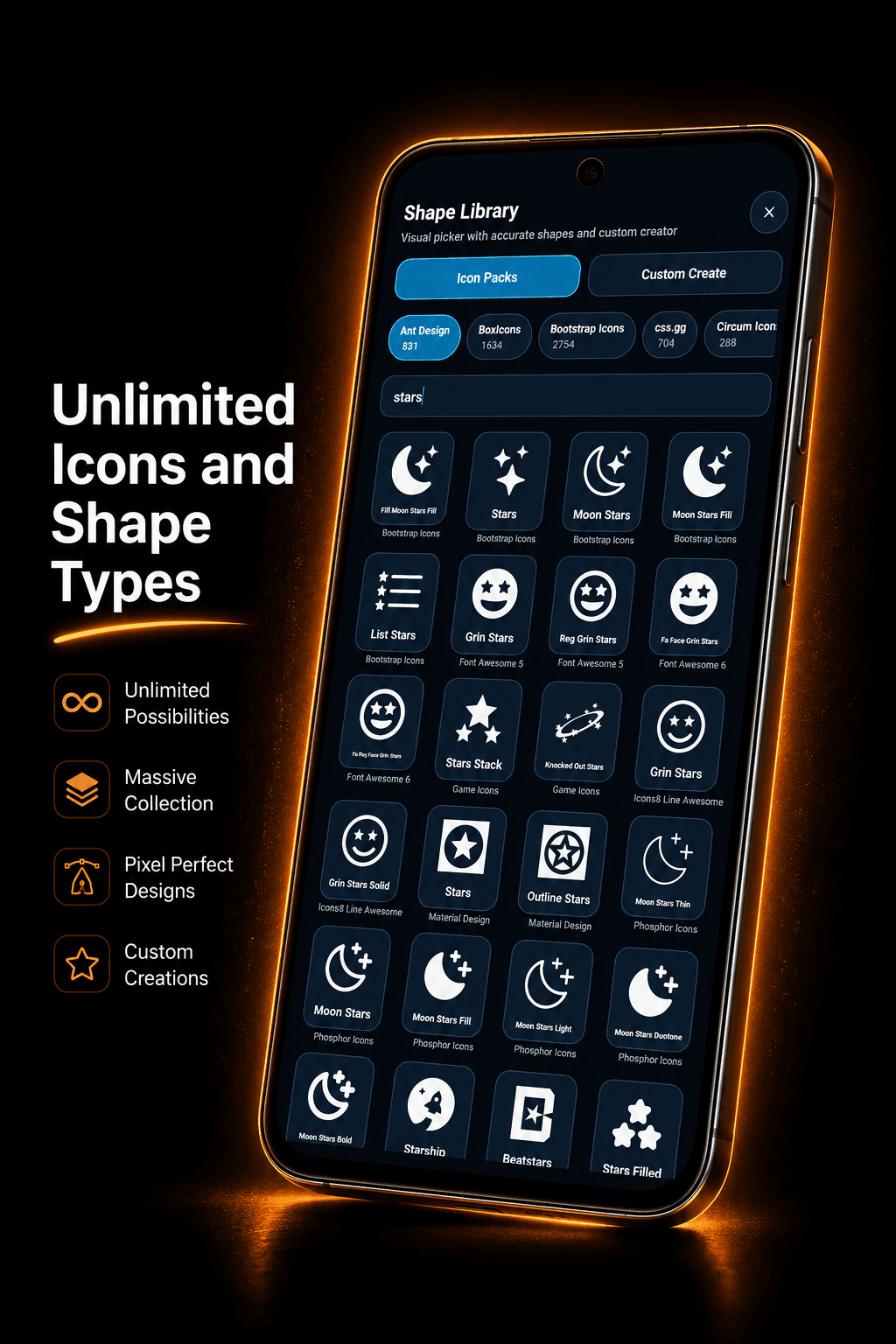
Unlimited icons and shape types.
Thousands of icons across multiple icon packs, plus a custom shape creator. Gradient fills, strokes, and boolean operations for complete creative freedom.
- Ant Design, Bootstrap, Font Awesome, and more
- Custom shape creator with pixel-perfect control
- Gradient fills, strokes, and blend modes
- Boolean operations — unite, subtract, intersect
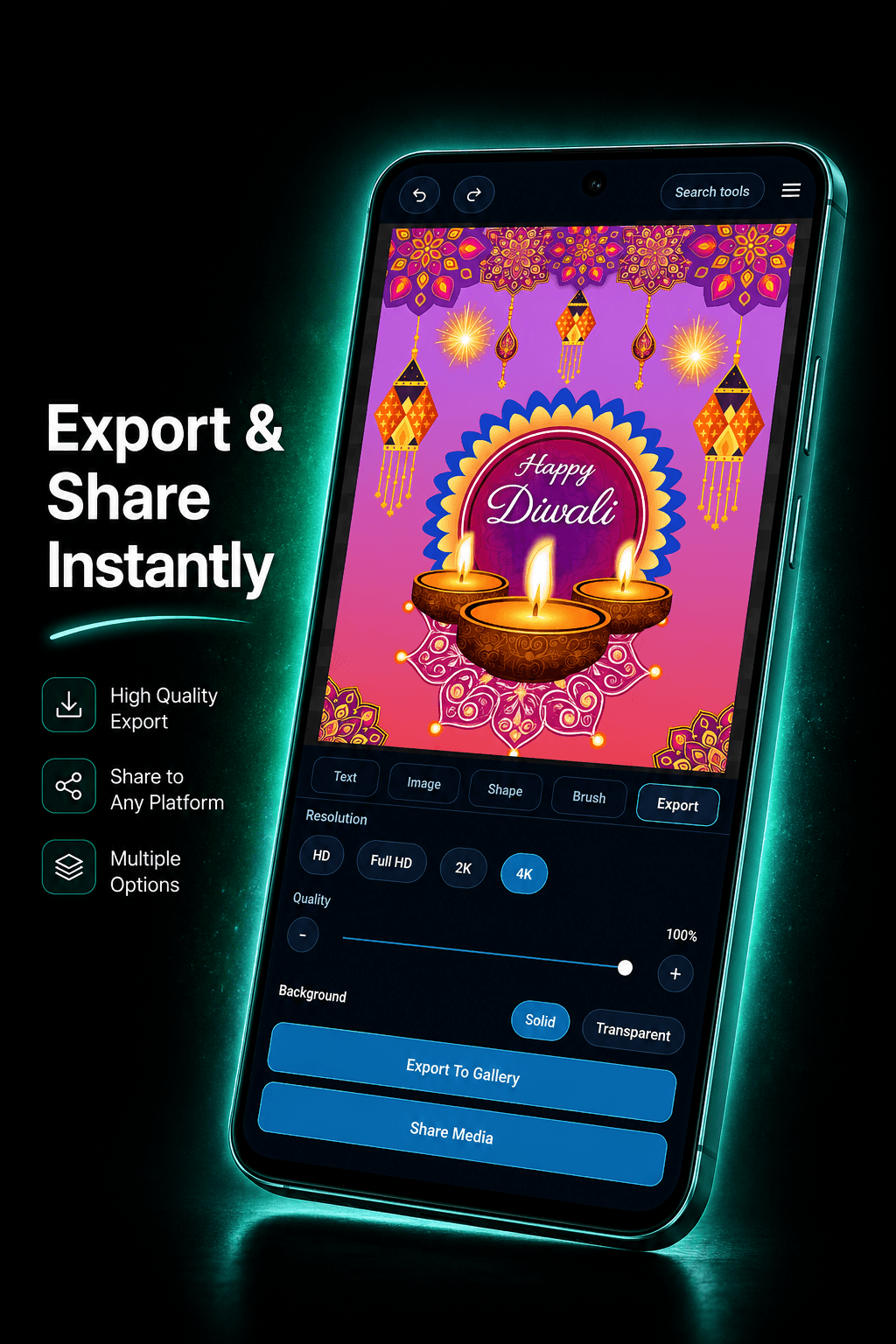
Export at 4K. Share instantly.
Export at HD, Full HD, 2K, or 4K quality. Share the finished file or the full editable .zedito project so anyone can continue exactly where you left off.
- HD, Full HD, 2K and 4K export quality
- 100% quality control slider
- Transparent or solid background export
- Share editable .zedito project files
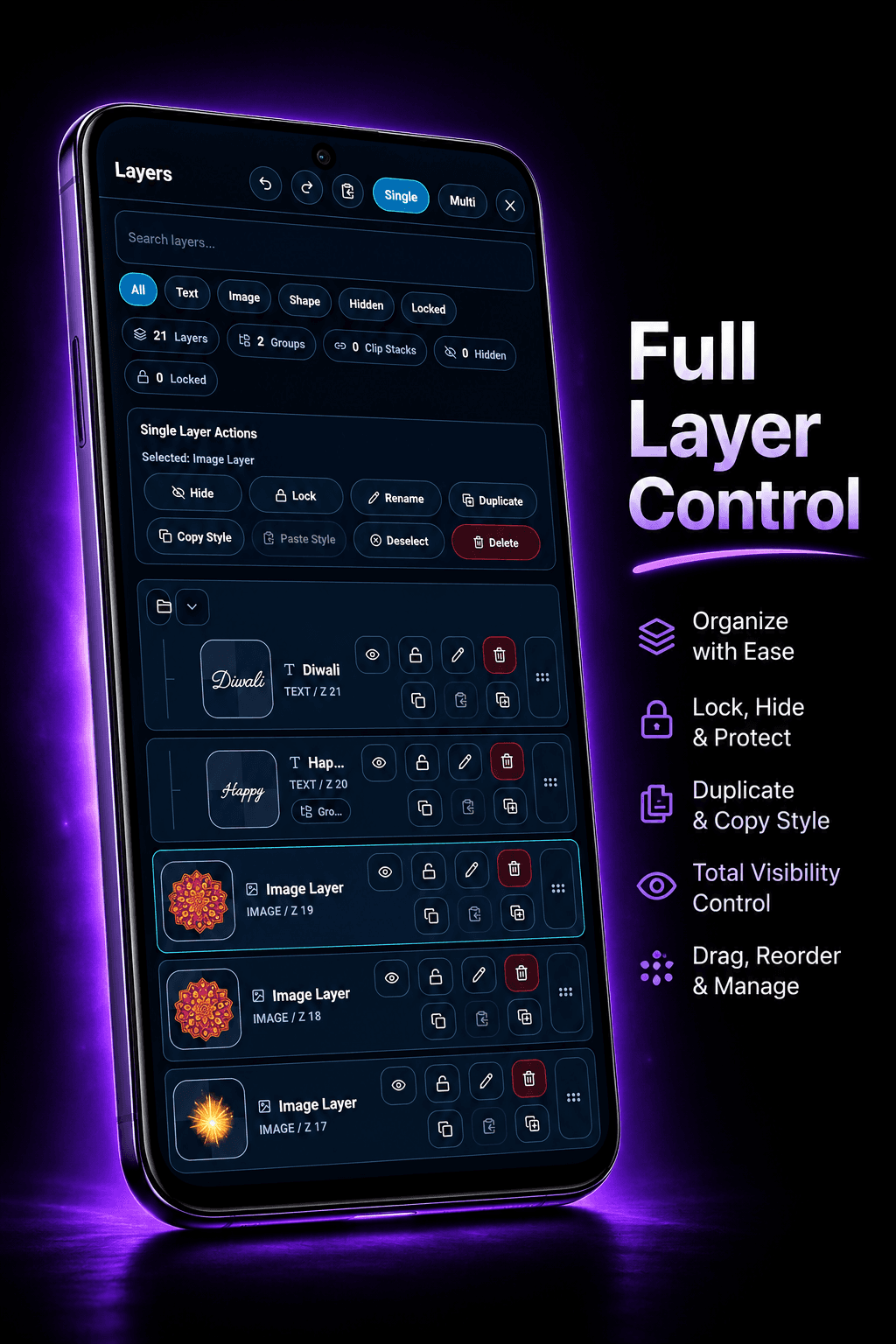
Full layer control like a desktop editor.
Every element lives on its own layer. Search, filter, lock, hide, duplicate, copy styles, and reorder freely. A complete layer system built for serious mobile design.
- Search and filter layers by type
- Lock, hide, duplicate, and copy styles
- Group layers and manage clip stacks
- Drag to reorder with total visibility control
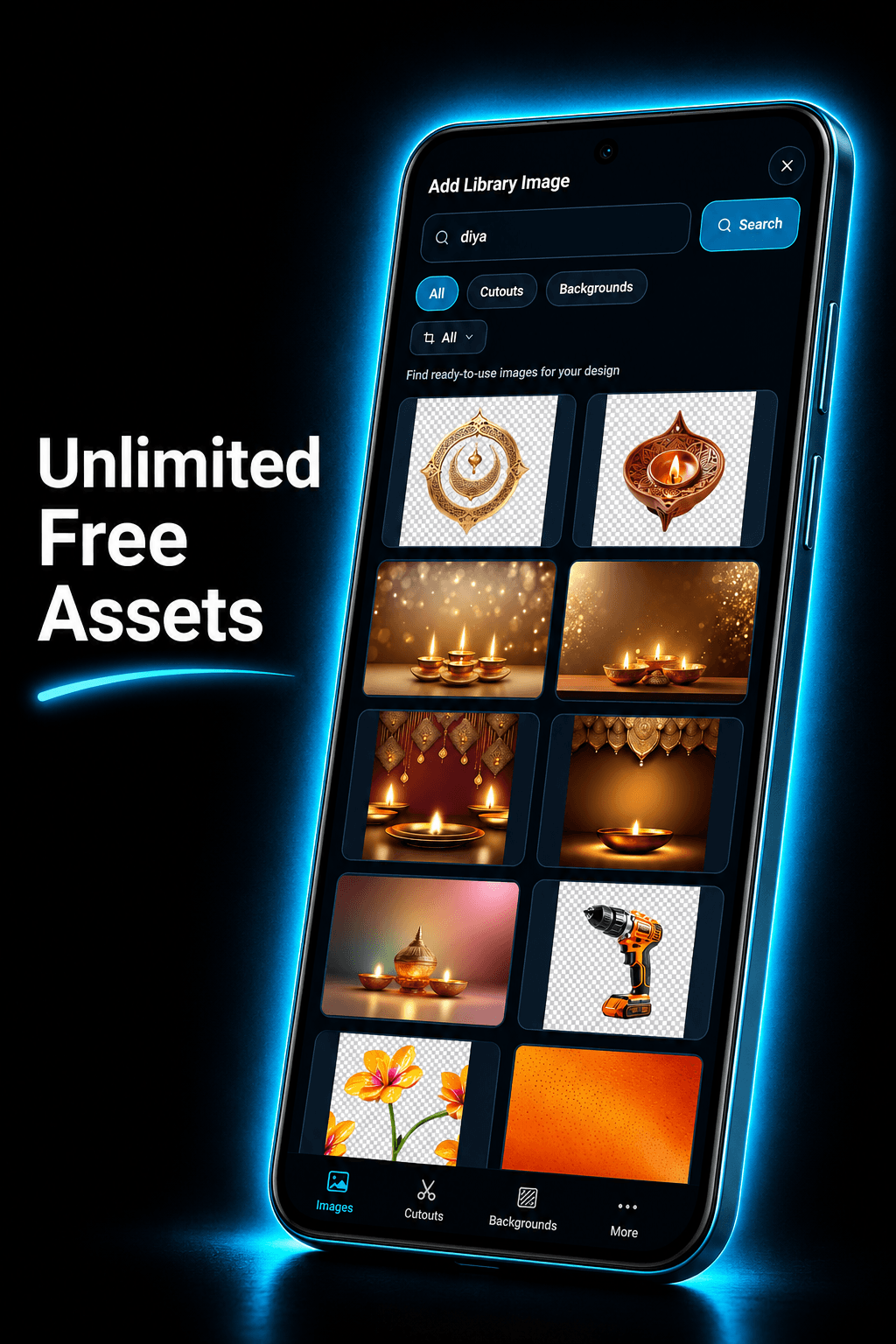
Thousands of free assets, always at hand.
Search and insert free photos, cutouts, stickers, and backgrounds without ever leaving the canvas. Everything is licensed for commercial use — no attribution needed.
- Thousands of free stock photos & cutouts
- Stickers, backgrounds, and design elements
- In-canvas search — no app switching
- Commercial-use licensed assets
Even more inside.
Brushes, voice input, asset library, adjustments — every tool that makes the workflow feel complete.
Brush & Drawing
Round, marker, chalk, and spray brushes with size, opacity, and pattern controls.
Voice to Text
Speak your text and it appears directly in your design. Fast and works without internet.
Filters & Adjustments
Brightness, contrast, saturation, blur, and more — plus creative filters for any style.
Cloud Sync
Sync all your drafts across devices. Backup and share full projects in one tap.
Blend Modes
Multiply, screen, overlay, and more. Every layer gets full blend mode control.
Light & Dark Mode
Switch between light and dark canvas themes to match your workflow or content style.
Start free. Go pro anytime.
All core tools are free forever. Upgrade to remove ads, unlock cloud sync, and get more AI credits.
Free
Always free · No card needed
- All core design tools
- Unlimited icon & shape library
- Unlimited fonts + custom upload
- Ad-free experience
- Cloud Sync & Backup
- Share editable projects
Pro Monthly
per month · billed monthly
- Everything in Free
- No ads
- Cloud Sync across devices
- Backup & restore projects
- Share editable .zedito files
- More AI credits per month
- Priority feature access
Pro Yearly
per month · billed annually
- Everything in Pro Monthly
- No ads
- Cloud Sync across devices
- Backup & restore projects
- Share editable .zedito files
- More AI credits per month
- 20% cheaper than monthly
Prices shown in INR (India). Varies by country. Taxes may apply.
Your AI design studio.
Always in your pocket.
Create posters, social graphics, and stunning visuals with 8 AI tools and a full layer-based editor — on iOS and Android.
Free to download · iOS & Android · Pro from ₹49/month